
How do I view my systems time in a seperate window? There are two easy ways to make this happen.
First, the easiest way is by going up to Window, then select "Open System Time Window."
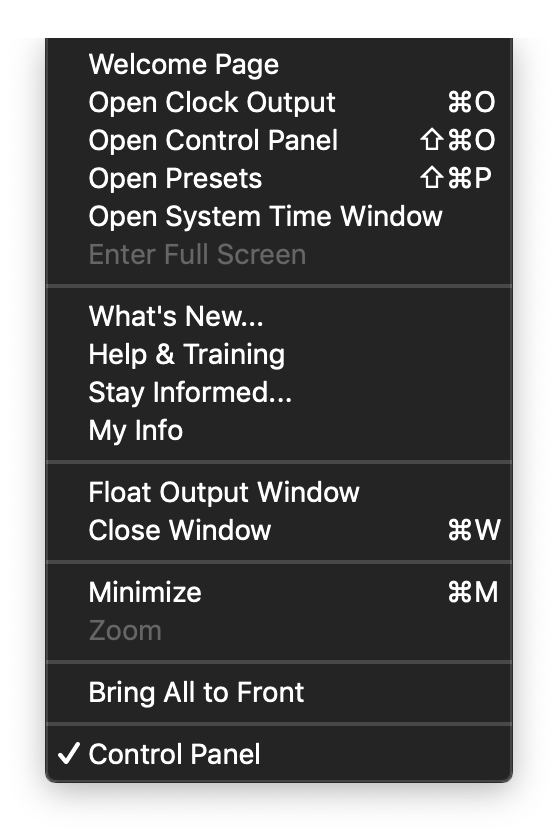
Once you select that, your clock will appear.
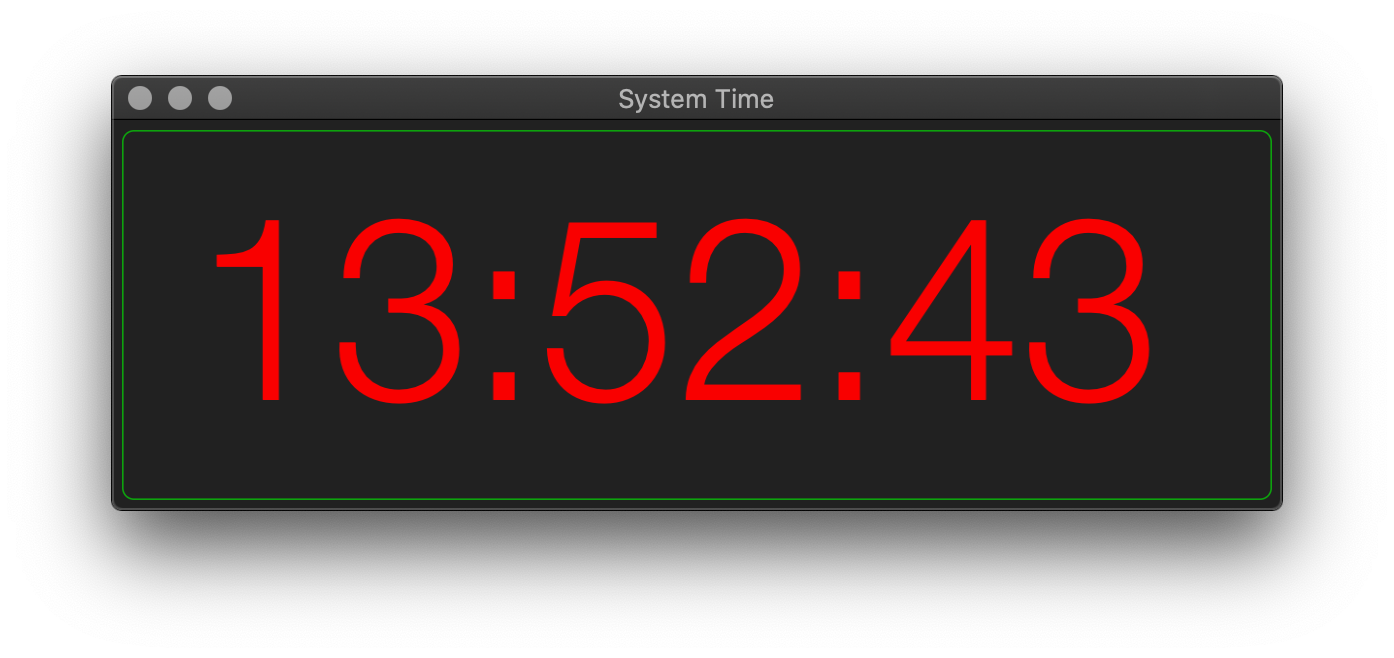
The second option is to have the clock open on startup.
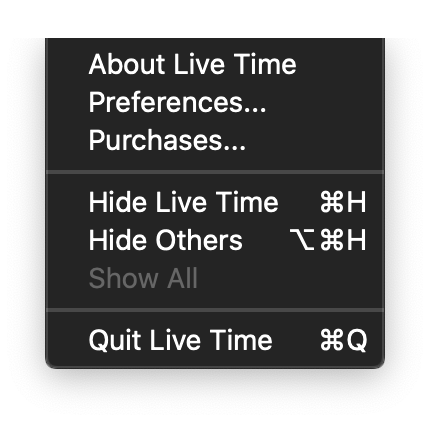
First, start by going to the LiveTime menu. Once you open the menu, select preferences.
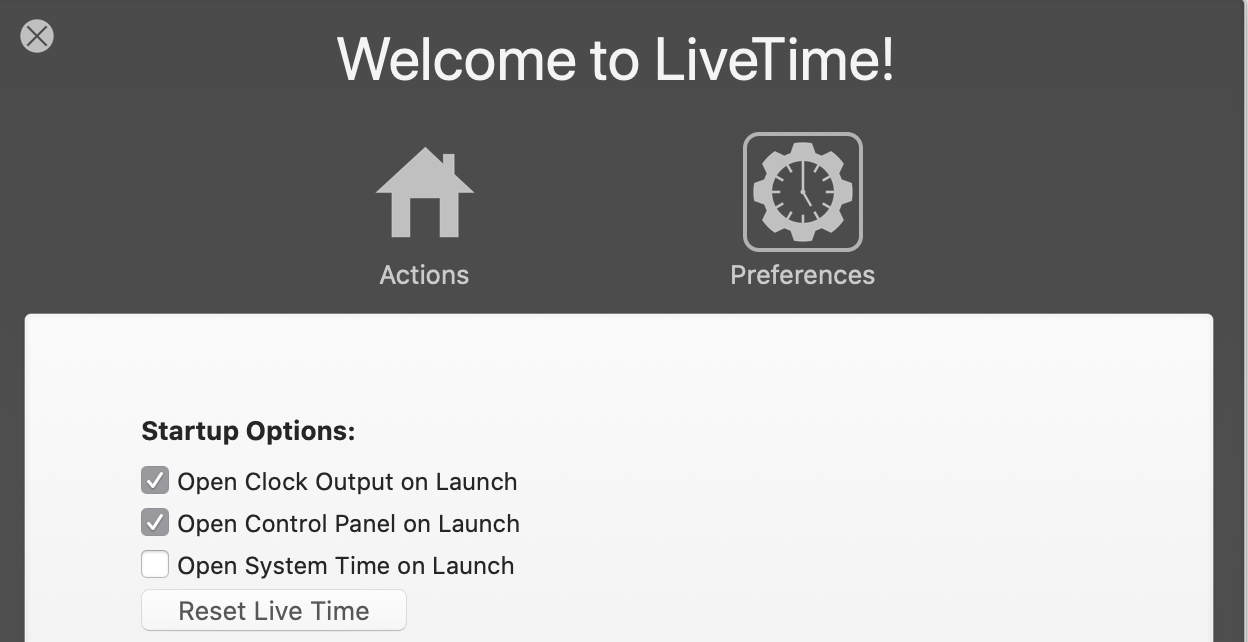
After your preferences window opens, under startup option check the box labeled "Open System Time On Launch." Once selected, it will relaunch every time you open Live Time.
When you re-open the application, you should see this window appear and there you have it!
Comments
0 comments
Article is closed for comments.