
How do I see a preview of a preset in simple mode?

Start by selecting the three horizontal lines located at the top of the window next to "Connect to Clock."
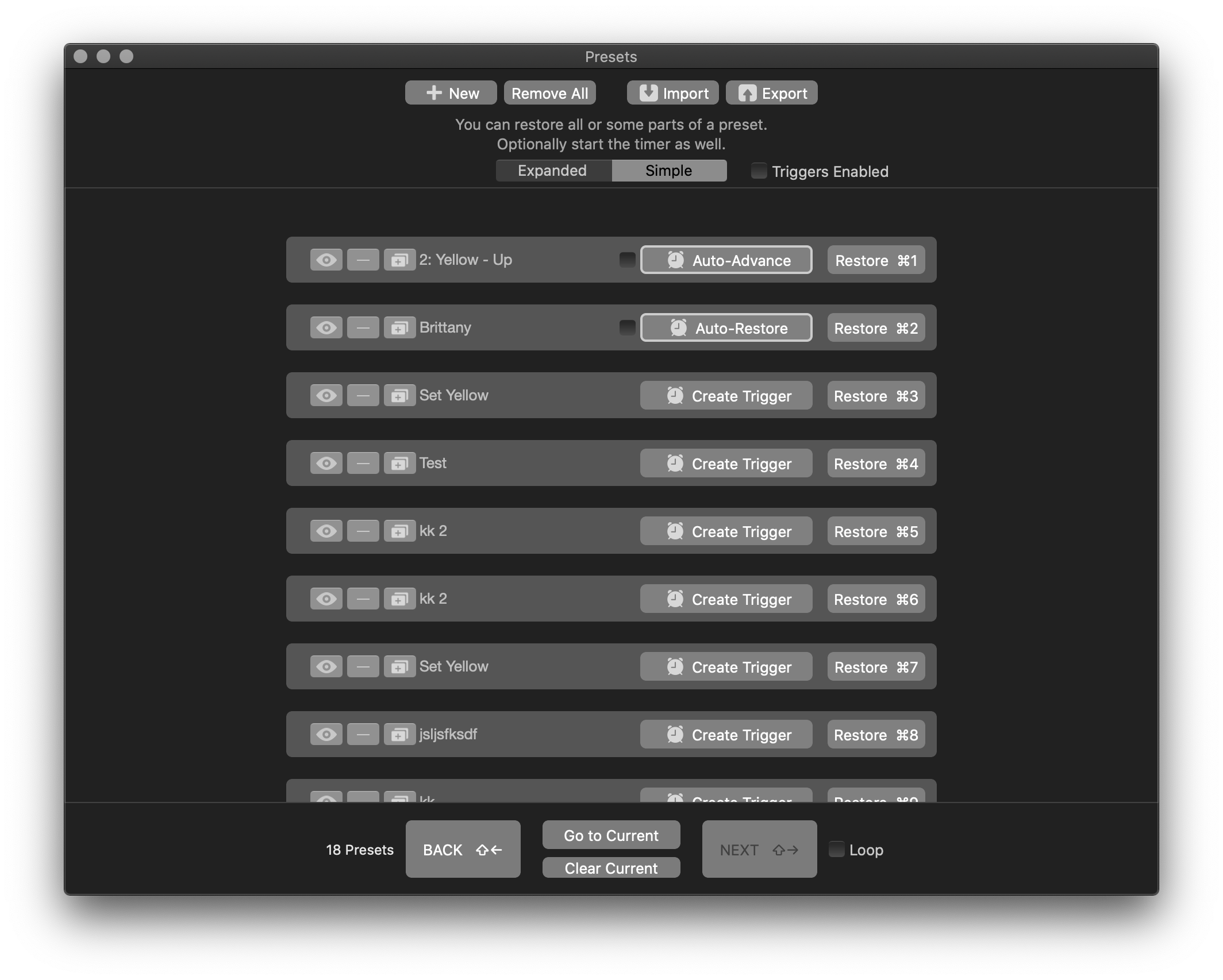
Once you have clicked the button, the presets window will open. When the window opens, it will open the last view it remembers. If "Simple" is not selected, please select it.
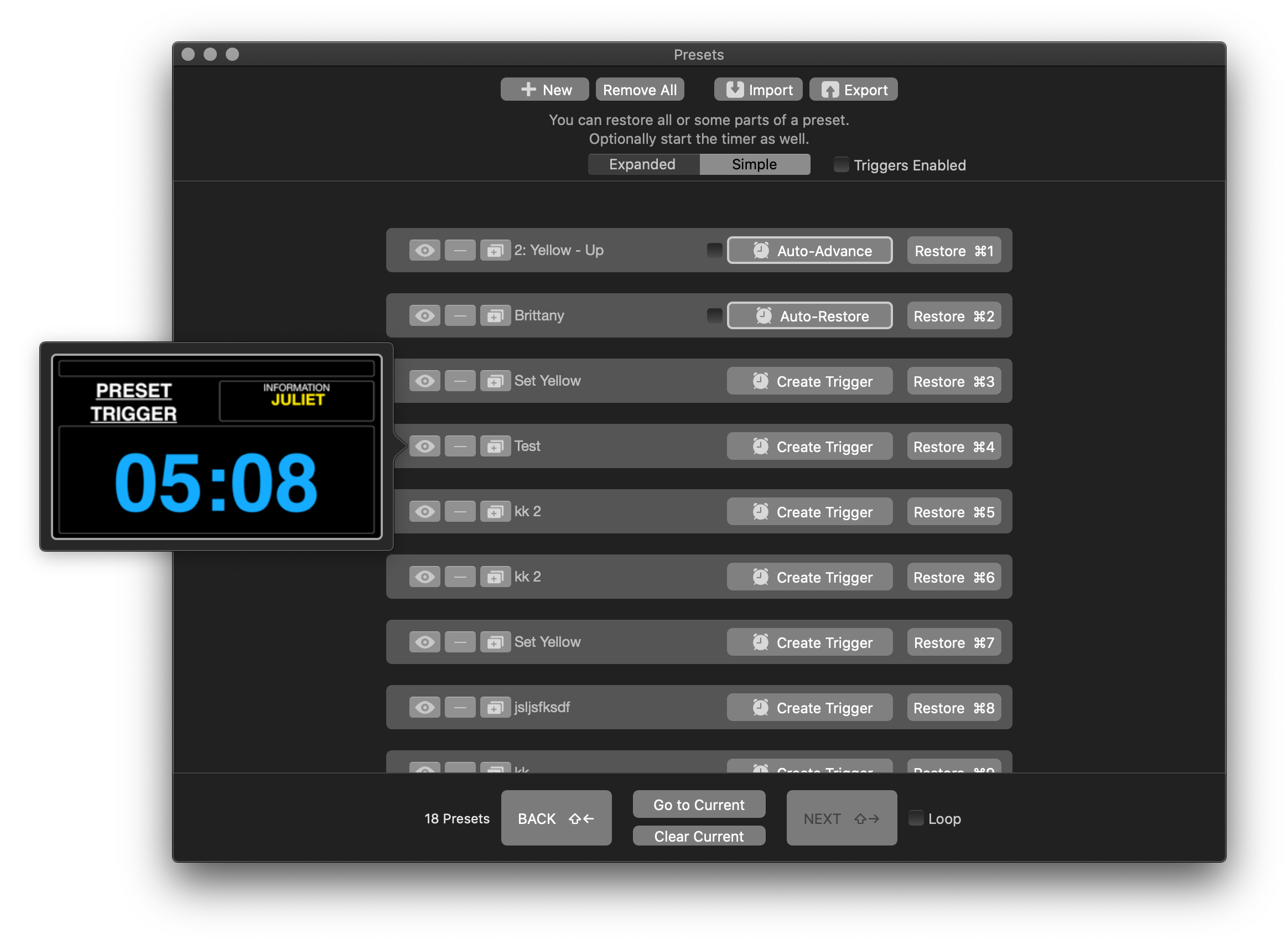
As you scroll through the different preset options you have imported, created, etc. you have the option to view each by selecting the eye icon next to the preset name and a small window will appear showing a preview.
Comments
0 comments
Please sign in to leave a comment.